





Once the center is registered, teachers/parents will have access to join the center.
•
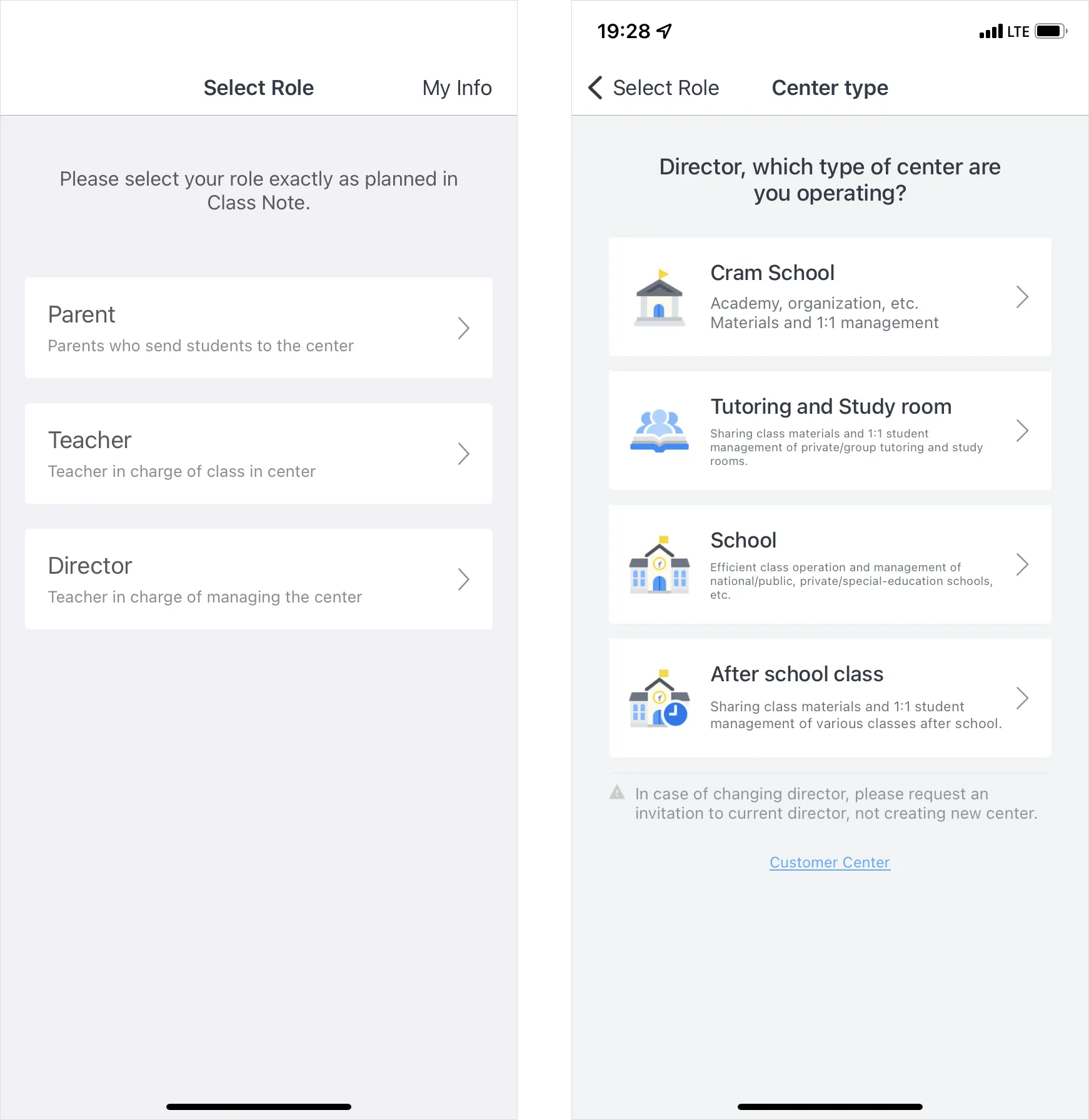
After creating your account, select your role and center type and find your center to register.
•
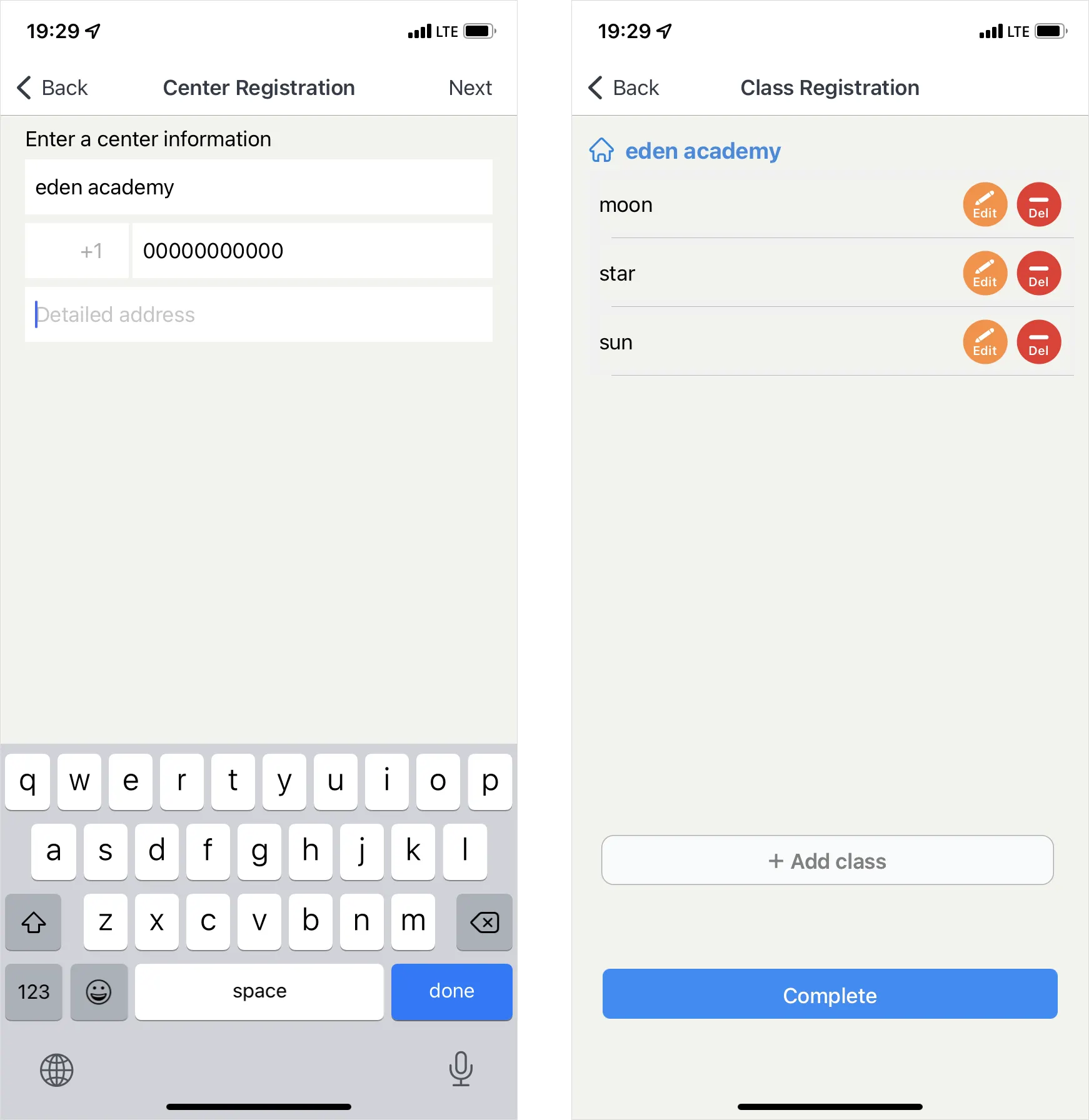
Please complete the center registration by adding operating classes.

Open Class Note App.
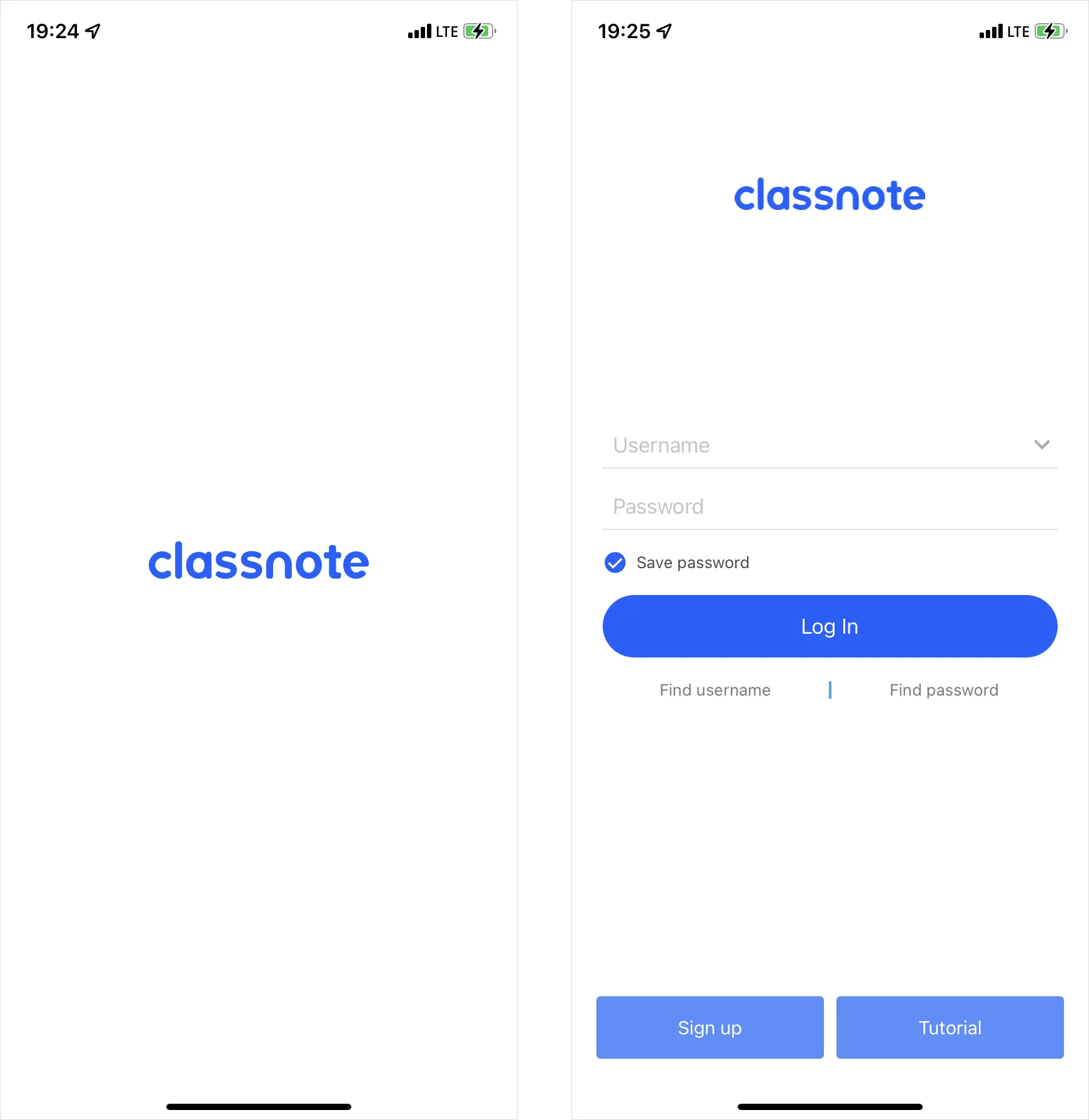

Create account.
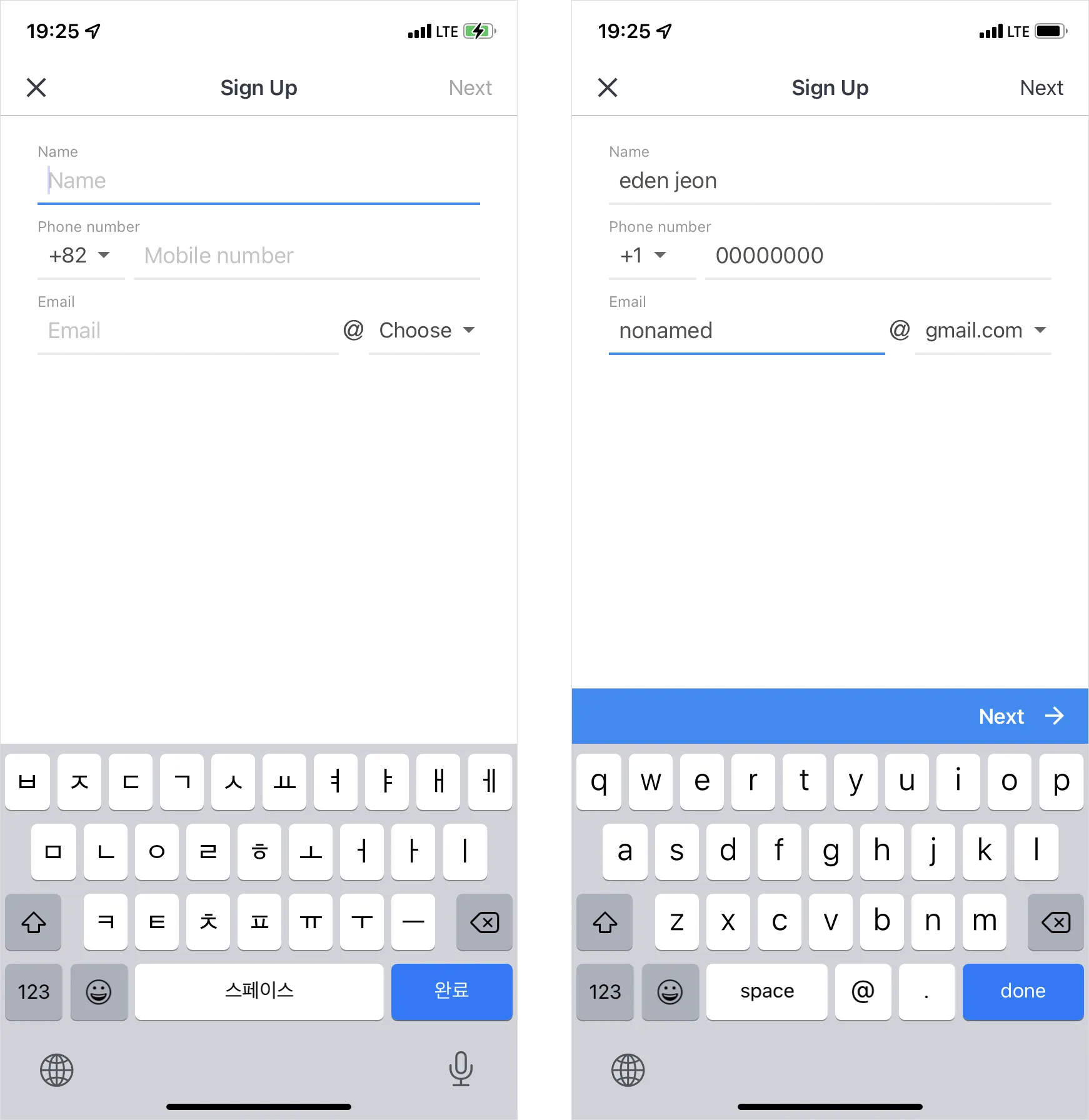
First. Fill in your Name/Phone Number/E-mail
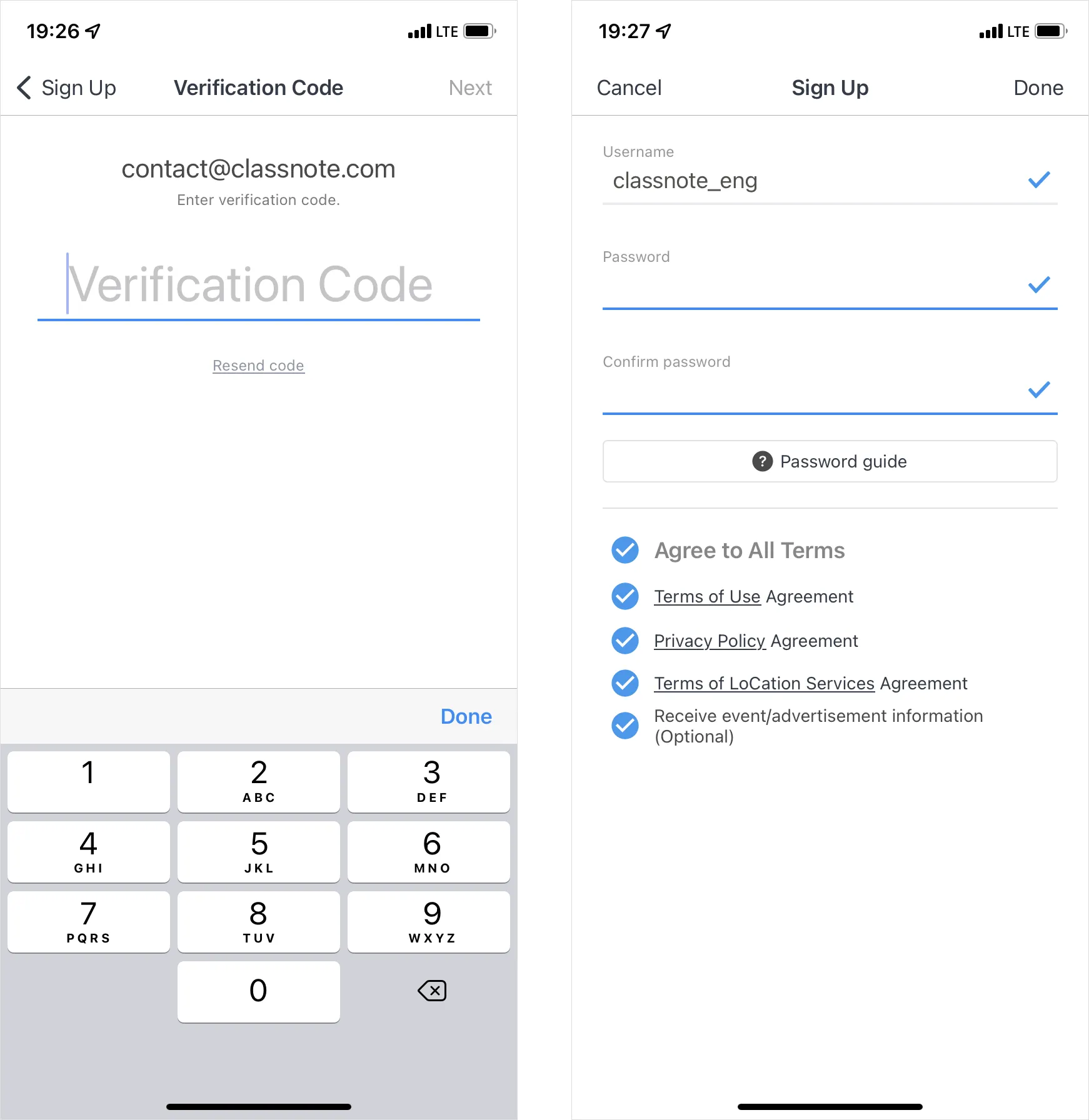
Second. Enter the verification code sent to your e-mail and sign up for membership

Select role and center type.

Input center info and add class.
 More questions?
What if I operate multiple centers?
What if our center's director changes?
Copyright ⓒ Class Note, Inc. All rights reserved.